


Draftable for Legal Teams

Trusted legal
solutions.
Built with lawyers.

Draftable delivers trusted legal solutions for legal teams. Built with the legal profession and powered by proprietary technology, our accurate, easy-to-use solutions integrate effortlessly with the tools lawyers use, so they can confidently move ahead.

Draftable Compare pricing starts from
$249 USD per user/year.
Talk to the team for volume based discounts.

Compare plans & pricing
Tursted by 1,300 law firms and legal teams globally.

"Draftable Legal has exceeded our expectations in every way. The high-quality software and features have

made it an indispensable tool for our team."

Bill Tanner
Chief 
Information Officer
Allens

Fast, accurate comparisons.
Every time.

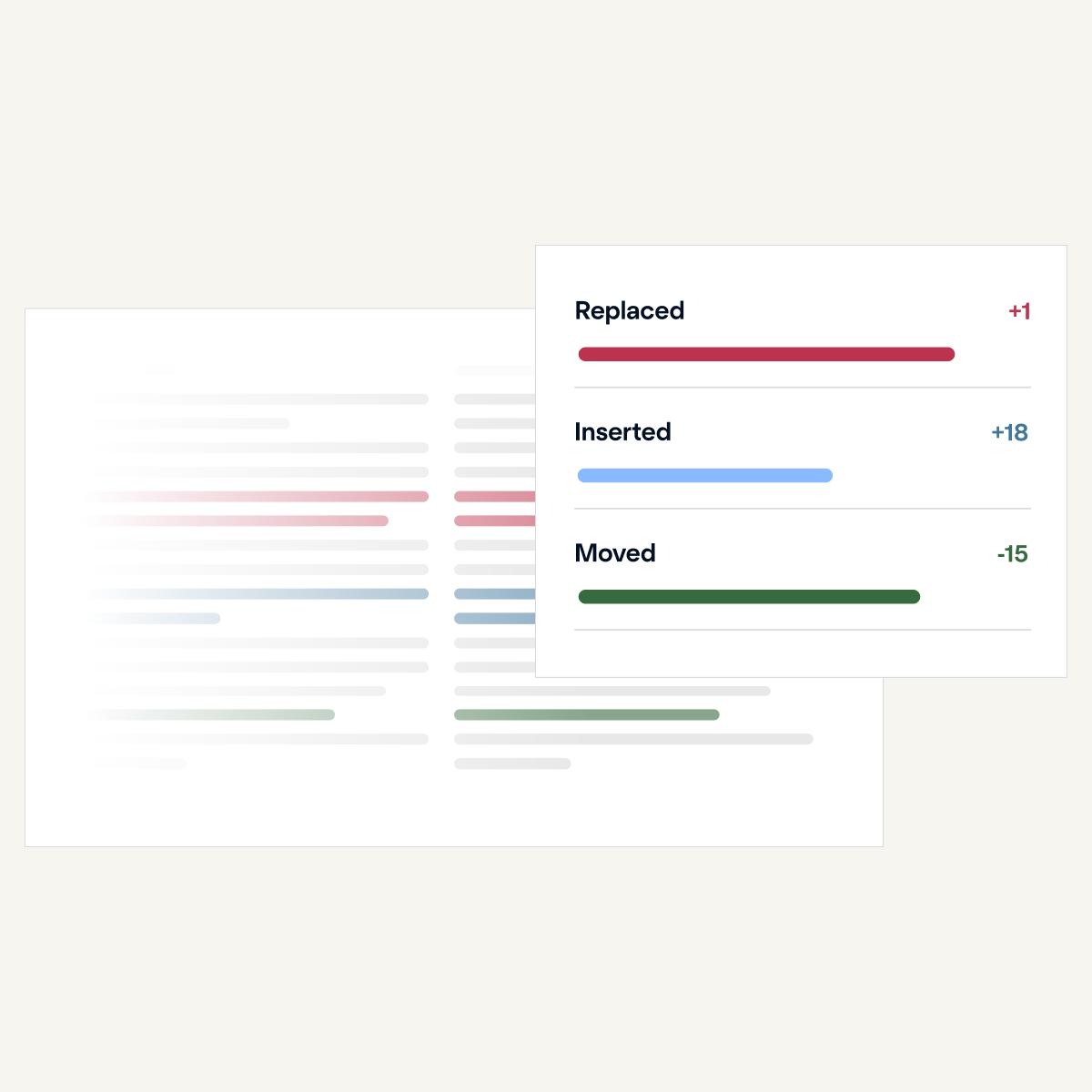
Draftable Compare's redline comparison solution is designed for legal teams who need to review documents reliably, easily and with confidence every change is caught. Built with law firms, the compare solutions integrates into existing workflows and with the tools lawyers already rely on.

Enterprise-grade
security.

Draftable is ISO 27001:2022 certified and SOC 2 and GDPR compliant. For desktop users, your documents never leave your computer and comparisons are performed locally. Our team can't see what you compare. For cloud and API users, all data is encrypted in transit and at rest, and you stay in full control of your documents at every stage.

Built with lawyers
for lawyers.

Minimal setup. No lengthy training. And whenever you need a hand, we're here around the clock with a 97% customer satisfaction rating.

Track changes
directly in email.

Compare and track changes in email messages, right in your inbox. Built in partnership with Allens, Redline in Email is our most popular feature.

Built for your workflow. And the tools you use.

Our solutions integrate with Microsoft Office (including Outlook and Sharepoint), PDF, iManage, NetDocuments and more.

FAQs

What is Draftable Legal?

Draftable Legal is a document comparison solution built for law firms and legal teams. It compares documents in a secure desktop application, and highlights (redlines) all differences and changes between documents for faster and more efficient reviews.

Draftable has provided general-purpose document comparison solutions for over 12 years, with more than 1,500 customers worldwide. We started building a specific comparison solution for legal teams in 2021, in response to demand from the legal industry, fueled by consolidation in the market. We launched Draftable Legal in 2023, and more than 900 law firms and legal teams have now made the switch. Read more about our customers and case studies.

What makes Draftable Legal different from other comparison tools?

Draftable Legal was developed and continues to evolve in consultation with legal professionals, to meet their specific needs for document comparison. As a result, we’ve built a superior solution that legal professionals love using. Here’s why:

  • It’s accurate – Draftable Legal more accurately detects changes, including moved text and changes at a character level.
  • It’s fast - Our software quickly produces comparisons, especially for longer, complex documents.
  • It’s reliable – You can rely on Draftable Legal to work when you need it.
  • It’s easy to use – With an intuitive design, you can start using Draftable Legal right away with no formal training.  
  • It integrates with legal workflows – Draftable Legal makes your job easy by seamlessly integrating with DMS and key software. It requires minimal clicks to load files and run comparisons and can produce multiple outputs without having to rerun comparisons.
  • It's innovative - Draftable Legal has pushed the envelope on what a legal comparison product can do, adding unlimited bulk comparisons, Departures Table outputs and the ability to redline emails in outlook.  

Why would I use Draftable Legal over Microsoft Word Compare?

The MS Word Compare function is great for simple or one-off comparisons and is familiar and free when you have MS Office installed. However, it’s not sufficient for legal professionals who need a specialist solution for faster, more accurate, and more complex document comparisons.  

With Draftable Legal, you’ll get:

  • Enhanced accuracy – Word Compare has limited accuracy, but Draftable Legal can identify character-level changes and moved text.  
  • Greater workflow efficiency – Draftable Legal seamlessly integrates with key software and major DMS including iManage, NetDocuments and SharePoint.  
  • More supported file types – While Word Compare only supports Word documents, Draftable Legal supports a range of document types including Word, PDF, scanned PDF, Excel, PowerPoint, and free text.  
  • Different output types – Draftable Legal has more options for comparison output types, which can be exported, including PDF Redline, PDF Changed Pages Only, Native Tracked Changes format, Excel Redline, PowerPoint Redline, Redlined Outlook messages, and Departures Tables.
  • Different comparison views – Word Compare only allows you to view comparison output in Tracked Changes. With Draftable Legal, you can view the output in our purpose-built PDF viewer, native Tracked Changes format, or a side-by-side view.
  • Customisation – Draftable Legal lets you customise your output, with options to create multiple pre-set rendering profiles for the whole firm, a specific team, or even individual users.
  • Dedicated customer support - As a specialised software provider, Draftable offers responsive and personalised customer support that enormous legacy companies cannot match. With our customer support teams operating from different continents, we can quickly resolve any issues.  

Draftable Legal also provides a range of deployment options, so you can choose the best option to suit your team’s needs.

What types of documents can I compare and redline?

Draftable Legal supports a wide range of document types including:

  • Word to Word  
  • Word to PDF (including scanned documents) or vice versa
  • PDF to PDF (including scanned PDF documents)
  • PPT to PPT
  • Excel to Excel
  • Email messages (Redline in Email)
  • Free text within an email or document.

What output types are available?

Draftable Legal offers the following comparison output types:

Word & PDF files:

  • Word Redline with tracked changes
  • Word Redline no tracked changes
  • PDF redline
  • PDF changed pages only
  • PDF Side by Side
  • Departures Table (AKA Issues List) 

PowerPoint files:

  • PowerPoint Redline
  • PowerPoint with tracked changes
  • PDF PowerPoint Side by Side

Excel files:

  • Excel Redline
  • Excel via Spreadsheet Compare
  • PDF Excel Side by Side

Email:

  • Redlined Outlook Messages

Will Draftable Legal pick up all the changes I need to see?

Accuracy is critical when it comes to comparison software. With over a decade providing comparison solutions, we have developed our proprietary engine to ensure every change is detected, including:

  • Text changes
  • Text styling
  • Font changes
  • Layout changes
  • Headers & Footers
  • Footnotes & Endnotes
  • Bullets & Numbering
  • Table of Contents
  • Images
  • Text boxes
  • Tables
  • Watermarks
  • Math equations
  • Cover pages
  • Hidden text
  • Character level changes (e.g. changing a capital case to lower case)
  • Moved text, including text moved from a table into free text and vice versa


Changes detected in Excel file comparisons:

  • Row edits
  • Column edits
  • Formula change notes
  • Shows unchanged content in greyscale

Changes detected in PowerPoint file comparisons:

  • Text
  • Tables
  • Images
  • Speaker notes
  • Slide numbers
  • Grouped shapes / Smart Art
  • Slide master
  • Charts
  • Comments
  • Text styling
  • Shape moves
  • Shows unchanged content in greyscale

Can I customise Draftable’s redline comparison output?

Yes, you have the power to customise your redline comparison output, through pre-set rendering sets (known as “Profiles”). You can create multiple pre-set rendering profiles for individual users, a specific team, or the whole firm. Profiles can be created, managed, and configured by individual users, and system administrators via Group Policy.  

Supported options include:

  • Ignore or include comparison elements*
  • Show changes at the character or word level
  • Compare or ignore comments
  • Include or exclude comparison summary page
  • Customise the author of changes
  • Customise markup stylings (customise how insertions, deletions, and moves are shown)
  • Include or remove the margin line for locating changes

*Supported comparison elements include: Text changes, Text styling, Font changes, Layout changes, Headers & Footers, Footnotes & Endnotes, Bullets & Numbering, Table of Contents, Images, Text boxes, Tables, Watermarks, Math Equations, Cover Pages, and Hidden Text.

Supported comparison elements in Excel files include: Row edits, Column edits, and Formula change notes.

Supported comparison elements in PowerPoint files include: Text, Tables, Images, Speaker notes, Slide numbers, Grouped shapes / Smart Art, Slide master, Charts, Comments, Text styling, and Shape moves.

Can Draftable Legal compare scanned documents?

Yes, Draftable Legal has built-in Optical Character Recognition (OCR) support which enables you to compare scanned documents in PDF format. You can configure your software to perform OCR on scanned files automatically based on detection of scanned files, or configure to ‘never’ run.  

Once OCR is enabled, you can compare scanned PDF files by simply uploading them to the Draftable Legal launcher, with no additional steps required.  

Draftable uses industry-leading OCR technology by Tungsten Automate.

Does Draftable Legal offer an offline option?

Draftable Legal is delivered securely through an offline Desktop Application. You can buy licenses for your team, and use Draftable Legal privately on your desktop.

A browser-based version of Draftable Legal is currently in development.

What are the deployment options?

Draftable Legal offers a range of deployment options so you can choose the best option for your team or organisation:

  • Default installer (Regular Executable): Recommended for most scenarios. It's the easiest to use, has minimal requirements, and is ideal for individual users.
  • Machine-wide MSI installer: Only recommended for specific deployment scenarios where the other installers are unsuitable, such as Microsoft RDS and Citrix deployments where a single shared installation is needed, typically for storage efficiency.  

How does Draftable handle privacy and security?

We take privacy and security as seriously as you. Draftable is ISO 27001:2022 certified and SOC 2 and GDPR compliant, adheres to international privacy principles and offers flexible deployment options. We specialise in document comparison for large organisations and can cater to teams with obligations around privacy and security. We will gladly work with your IT and Dev teams to ensure a smooth deployment process. Contact us to discuss our self-hosted version or API, or read more about our Security.

Do you have sales & support teams in my region?

Draftable is headquartered in Melbourne, Australia, but we have a global team. Our customer support teams, sales representatives, and engineers are based across the globe, including the US, UK, EU and APAC, so you’ll enjoy responsive and dedicated support.

What are the pricing options?

Draftable Legal offers fair and transparent pricing, and offers volume-based discounting for teams with more than 10 seats. See pricing options here or contact us for more information.

Is there a free trial available?

You can sign-up online for a free 5-day trial so you can take Draftable Legal for a test run with all features enabled and no limits on usage.  

We also offer extended team trials as we understand that internal processes can take time and we want you to be sure that Draftable Legal is 100% right for you. We often see large organisations starting with a three-week trial.  

For team trials, contact our team and we’d be happy to set it up for you.

How can I purchase Draftable Legal?

Purchasing 10 or fewer licenses: You can purchase instantly online through our webstore, with flexible payment options including credit card.

Purchasing more than 10 licenses: Contact us for volume-based discounts and flexible pricing options.

Why law firms love Draftable.

Join 1300+ legal teams using Draftable.
Get started for free.